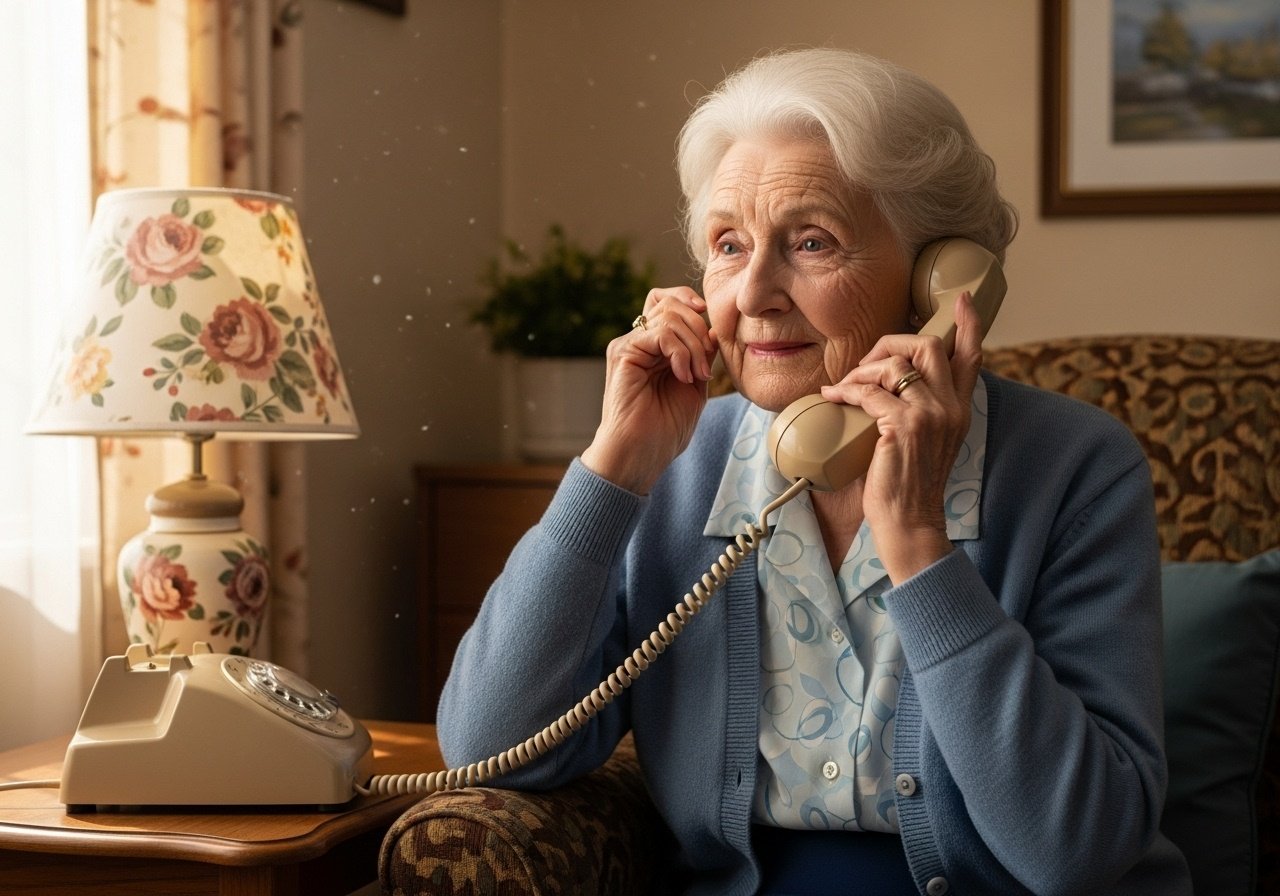
Granny Gladys stared at her new laptop like it was an alien artifact. She’d finally succumbed to the pressure from her grandchildren and upgraded from her trusty typewriter. Now, here she was, completely bewildered. “Granny Gets Tech Support!” she mumbled, grabbing her phone.
“Hello, Tech Experts? It’s Gladys. Yes, Gladys Miller. My grandson, bless his cotton socks, got me one of these computer contraptions. But it’s… well, it’s not cooperating.”
A weary voice answered, “Alright, Mrs. Miller, what seems to be the problem?”
“Well,” Gladys began, “it keeps asking me for a password. But I haven’t lost my teeth or anything! Why does it need my denture code?”
The tech support guy sighed audibly. “No, Mrs. Miller, a password. A secret word or phrase to protect your account.”
“Oh! A secret word! Hmmm…” Gladys pondered, tapping her chin. “Okay, I got it. I’ve typed in ‘Pickles’.”
“Pickles? And what happened?”
“It says, ‘Too short’.”
“Okay, try something longer. And maybe a little more…secure?”
Gladys thought hard. “Alright, I’ve typed in ‘PickledOnionsWithMustardRelish’.”
The tech support guy groaned. “And…?”
“It says, ‘Too weak’. Honestly, I think that’s rather rude! My pickled onions are quite strong-flavored.”
The support guy pinched the bridge of his nose. “Mrs. Miller, how about…your favorite color, and a number?”
Gladys brightened. “Oh! Easy peasy! I’ve typed in ‘Plaid 69’.”
There was a long silence. Then, the tech support guy finally spoke. “And what does it say now?”
Gladys chuckled. “It says, ‘Inappropriate. Please choose another.'”